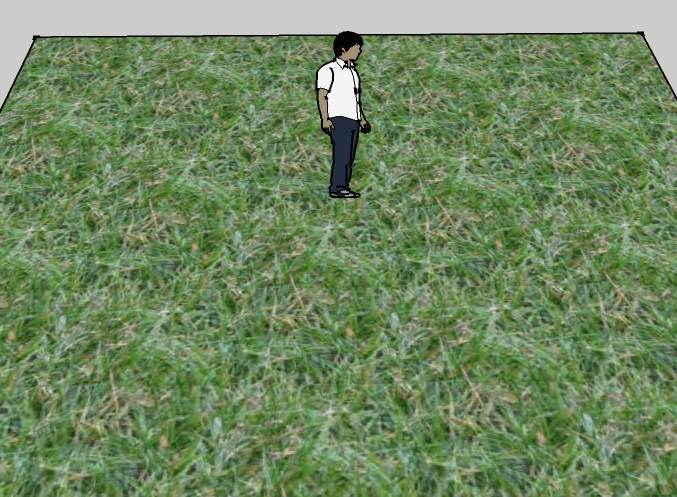
Tileable Textures
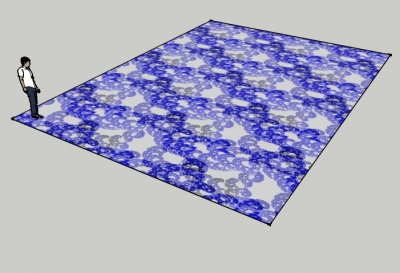
Tileable Textures
SpaceDesign includes an algorithm borrowed from Paul Bourke's Article for making patterns tileable.
Any pattern can be converted into a Tileable Texture.
Contents
Process
Original Pattern

The algorithm starts with a patterns. It does not need to be repeatable, or even kind of repeatable. The process works best with patterns which you would like to repeat, such as cloth or grass. However, it will make any image repeatable.
For this demonstration we have selected a swirl pattern which is originally not repeatable at all.
Diagonal Reversal

A second image is created by mirroring each of the 4 quadrants of the original image.
By blending the original and the reversed image, you get an image which is reversible.
In this case the reversed pattern is discontinuous at the center. This is the same way the original pattern would have looked if you had used it as a texture in SketchUp without making it tileable.
Blending Mask

Either a linear or a radial mask is applied to smooth and blend the two patterns.
Try both masks to see which has the best effect on your pattern.
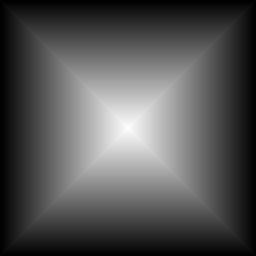
Blended Images
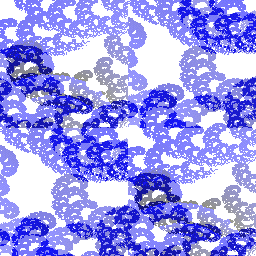
Both blended images have imperfections. However, the original pattern was not very repeatable.

Textures in SketchUp
Although the original pattern was not very repeatable, the new patterns tile well in SketchUp.

Make Tileable
| |||||
Wood Grain Example
Here is an example of the new "Make Tileable" feature in IRender and SpaceDesign:
- You place the high-quality, but non tiled, material in SketchUp.
- You right click on a face with the material, and select "Make Tileable"
- We load a wizard which shows a tiled example of the material on the SketchUp face, and what it will look like using one of two tiling methods.
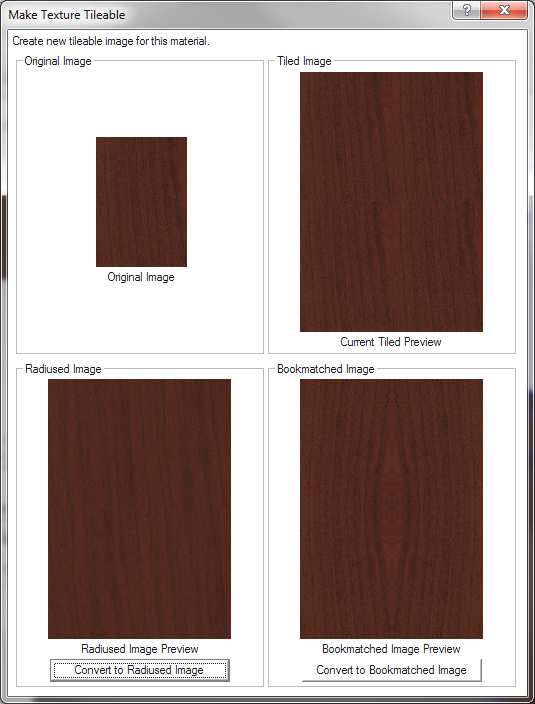
- The Current Tiled Preview shows what the "non-tileable" texture looks like when tiled.
- The lower left one uses a special tiling algorithm. The image is modified to make it tileable by folding itself back in on itself. The texture itself is modified, but if it did not need to be precisely the same, this makes a nice tileable texture. The sample shows a 2 X 2 pattern so you can see the tiling in action.
- The lower right frame shows a new texture made by "BookMatching" the original image. This is done by mirroring the texture in the X and Y direction. For many textures it works great, but for some it creates a pattern which is objectionable. The advantage of BookMatched is that the original texture remains intact, and is simply mirrored to make it tileable.
Here are renderings of a wood desk with the three tiling patterns:
Original Texture

Radiused Tiling Algorithm

Bookmatched Tiling Algorithm

Fabric Example
Here are two more examples created from HON fabric samples.
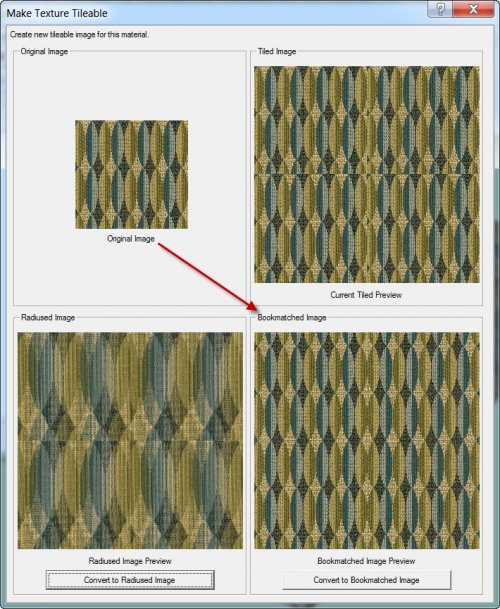
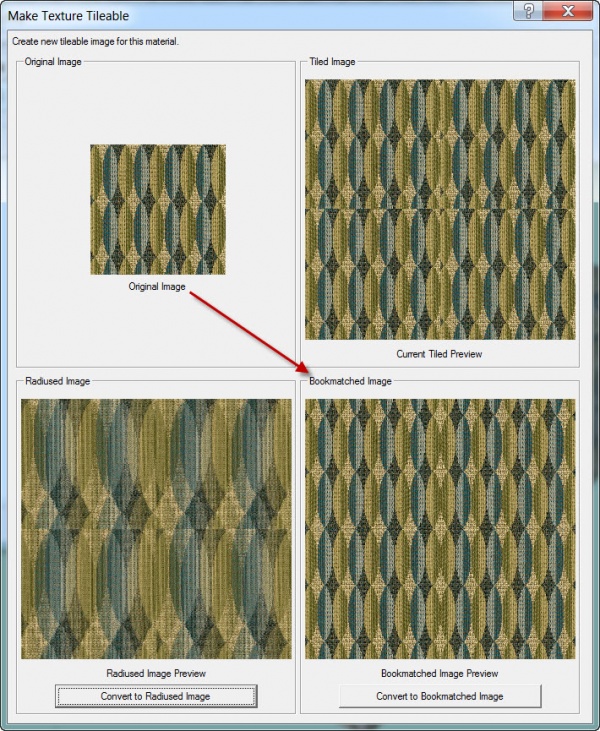
In this first example, the basic fabric does not tile well, and the Radiused Image does not help much. However, the BookMatched image works pretty well.
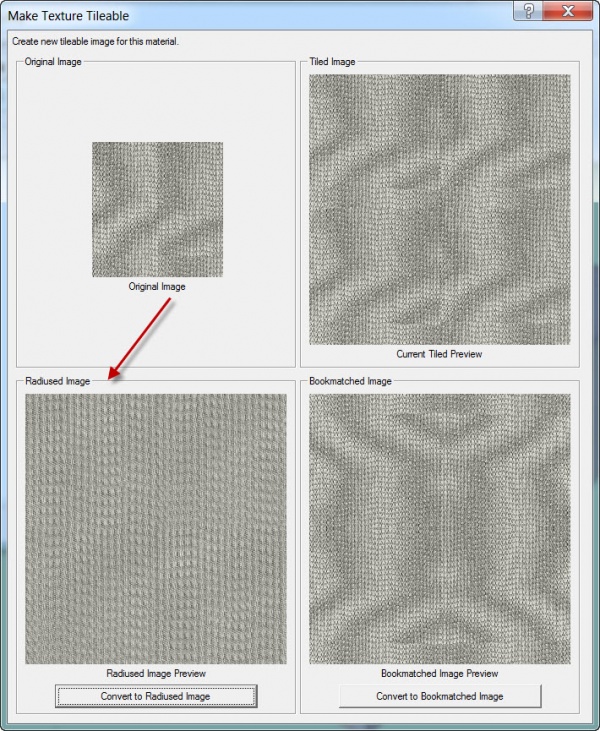
However, in this second example, the Radiused Image works best.
More Examples
Sketchy Textures

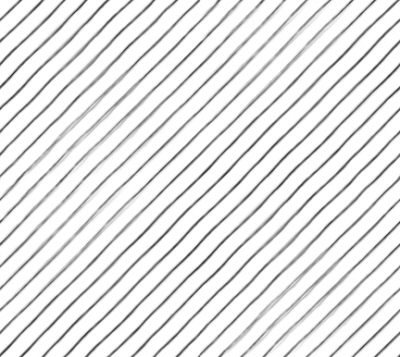
Here we took an image of lines with Sketchy Edges and turned it into a tileable pattern.
Not much change was needed because the lines were fairly regular. Some Sketchy Edges change position and width more and would need this technique more.

Mud
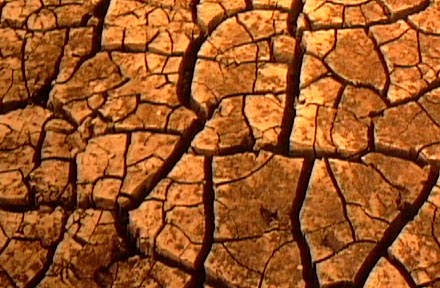
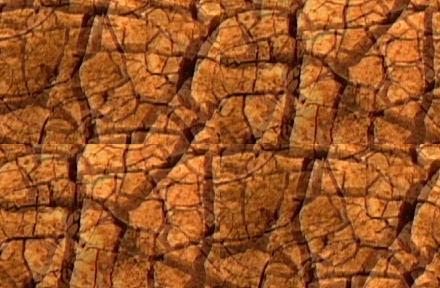
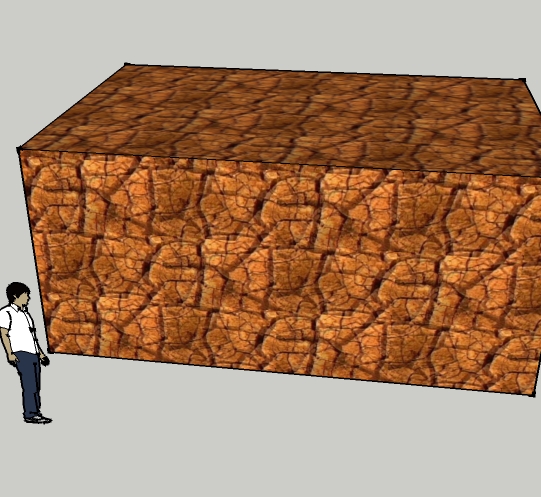
The Paul Bourke Texture Site has a lot of nice textures, but they are not all tileable. Now with SpaceDesign, you can make them tileable.
Grass
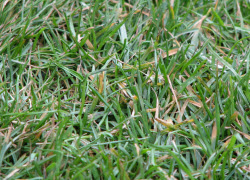
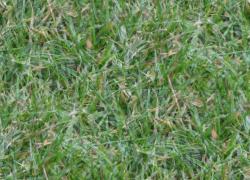
The edges and corners are processed to make them tileable.